The testing problem in Salesforce
Every Salesforce team has the same blind spot. You change a validation rule, update a flow, modify a picklist value, and deploy. Nobody writes a test for it. Not because they don't care, but because it takes too long.
Apex test classes cover code, not configuration. If you change a flow that routes Cases based on Priority, no Apex test catches that. If a validation rule breaks because someone removed a picklist value it depends on, you find out from an angry user, not a test suite.
Manual UAT scripts take hours to write, are outdated by the next sprint, and nobody follows them properly anyway. The result: teams deploy changes and cross their fingers.
What if AI wrote the test scripts for you?
Pocavi already knows what changed in your deployment (it detects metadata differences between orgs). It already knows your org's metadata (field definitions, picklist values, validation rules, active flows). The AI layer connects the two.
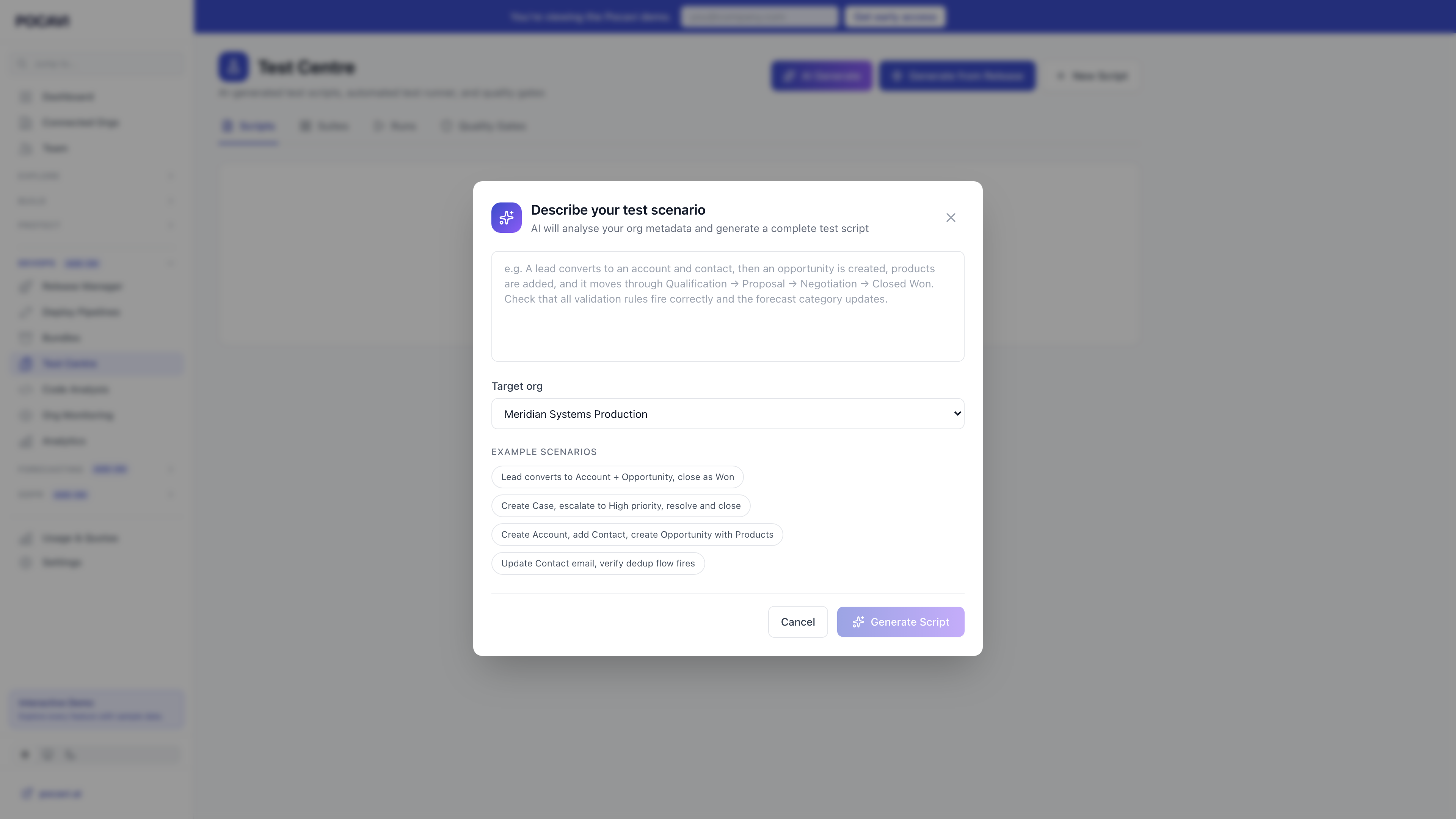
Describe what you want to test in plain English. Pocavi reads your org's actual metadata and generates a complete test script with the right field values, the right picklist options, and awareness of which flows and validation rules will fire.
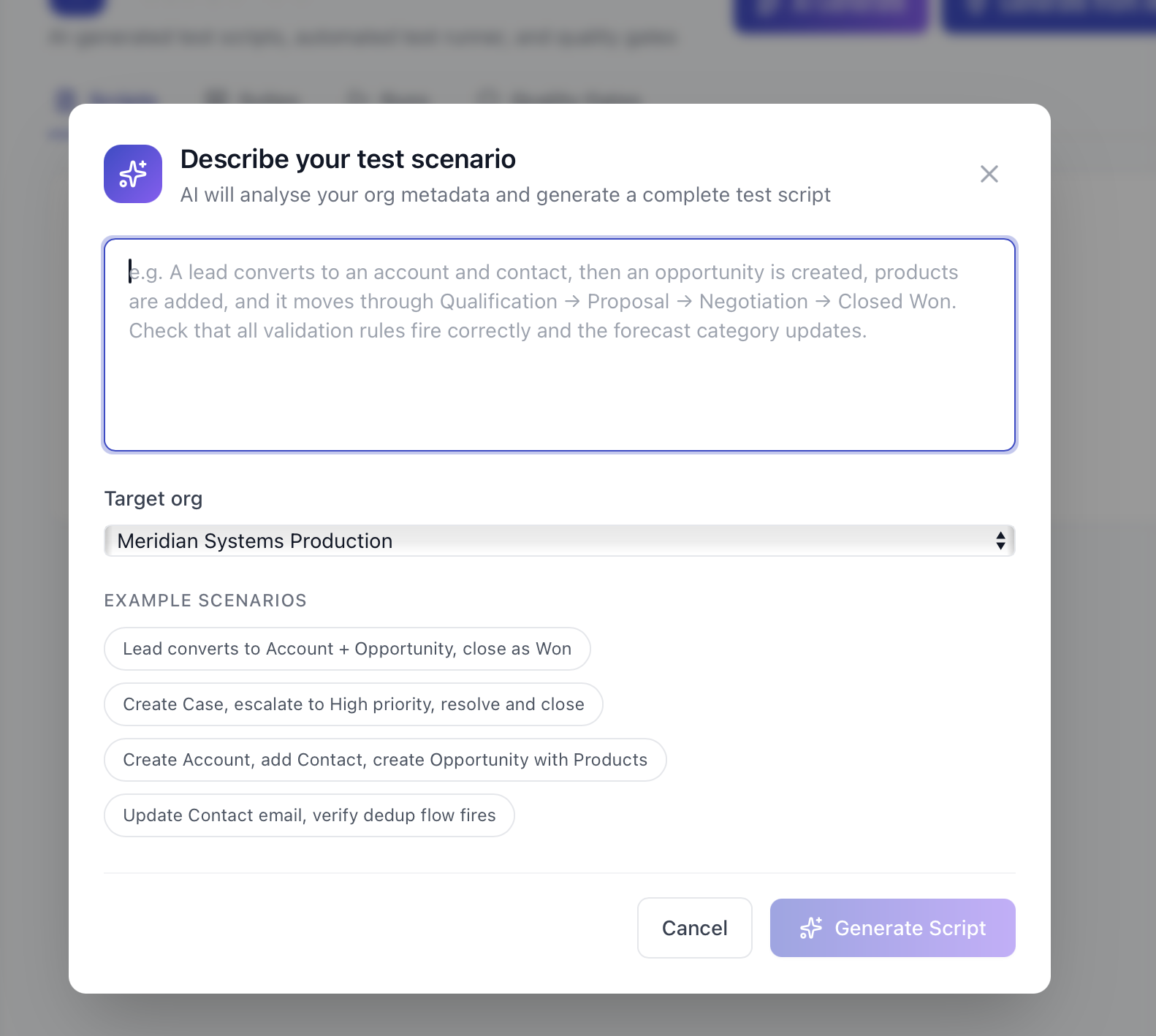
Example: "A lead converts to an account and contact, then an opportunity is created and moves through Qualification, Proposal, Negotiation, to Closed Won. Check that validation rules fire and the forecast category updates." Pocavi generates 16 test steps covering the entire flow, using your org's actual picklist values and required fields.
Three ways to build test scripts
Not every test needs AI. Pocavi gives you three options depending on how much control you want.
1. AI scenario builder
Type a description, pick your org, click generate. The AI reads your metadata (required fields, picklist values, validation rules, active flows) and builds a step-by-step script. Works for complex multi-object scenarios that would take 30 minutes to write manually.
2. Generate from a release
Deploying a release? Pocavi looks at what changed (which flows, which fields, which validation rules) and generates targeted test scripts for the specific changes. The test script only covers what actually changed, not the whole org.
3. Visual block builder
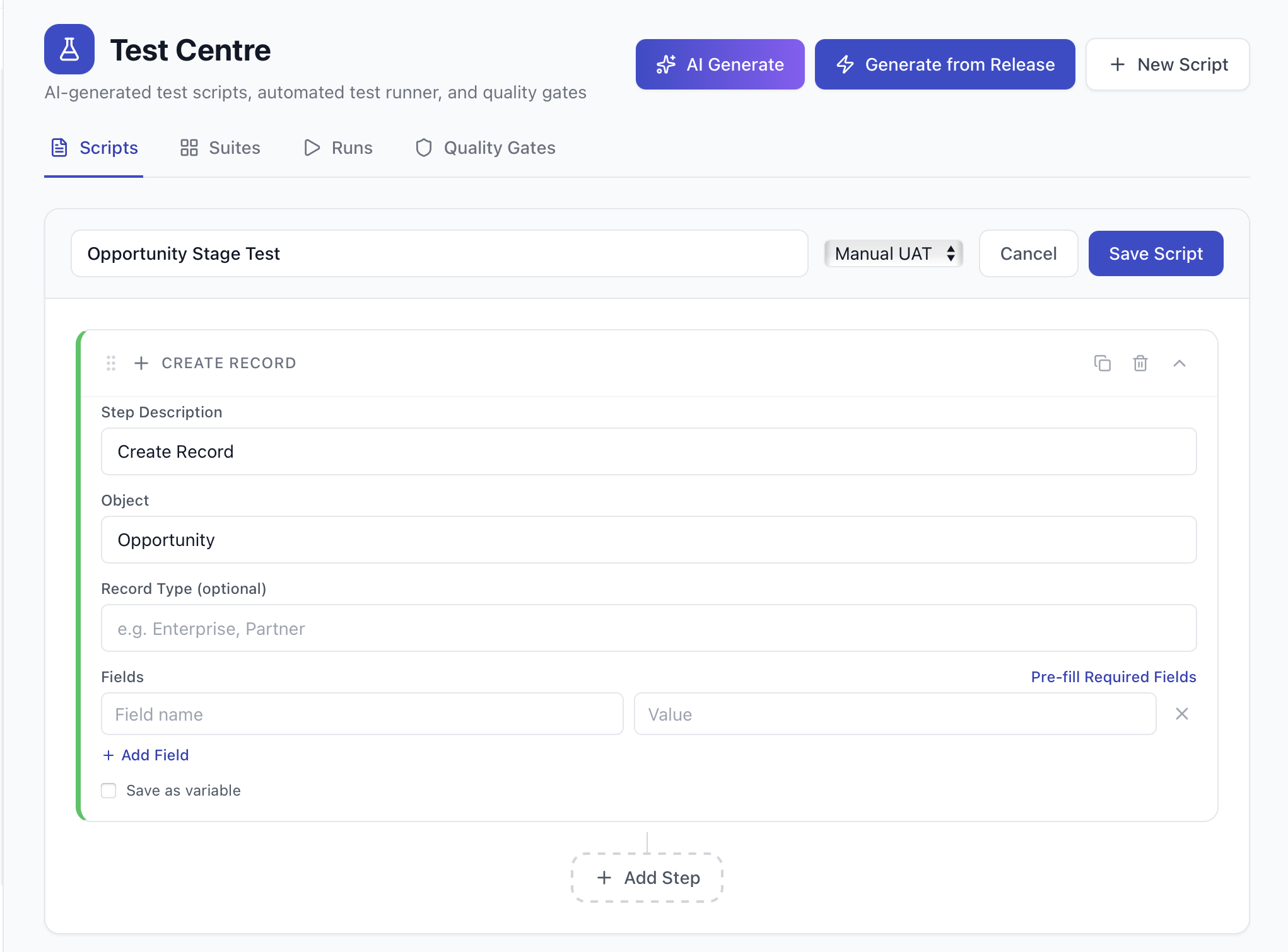
Build scripts manually using a drag-and-drop block builder. Ten block types: Create Record, Update Record, Delete Record, Query and Assert, Check Flow Fired, Check Field Value, Check Validation Error, Wait, Run Apex Test, and Custom API Call. Each block has a configuration form that pre-fills from your org's metadata.
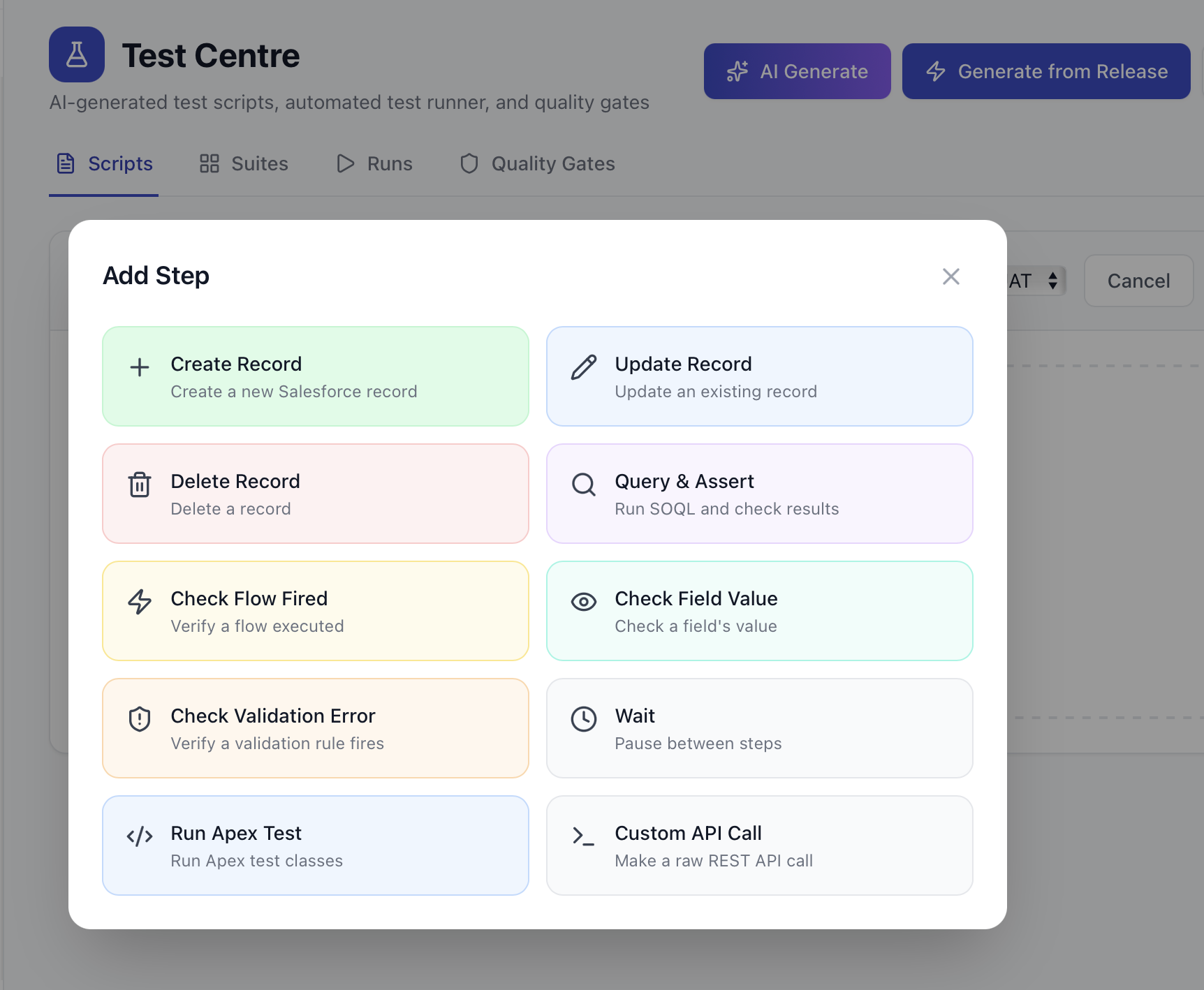
Click a block type and it drops into your script chain. Expand it to configure: pick the object, set the fields, add assertions. Required fields are auto-detected from your metadata. Picklist dropdowns show only valid values from your org.
Two test modes: check config or create real records
Not every test needs to create records. Sometimes you just want to validate that the configuration is correct.
- Metadata Check: validates that required fields exist, picklist values are correct, flows are active, and validation rules are in place. Fast, safe, runs against any org including production.
- Full Execution: actually creates records in your Salesforce sandbox, moves them through stages, checks that flows fire and field values update. Records are tagged with [POCAVI-TEST] and automatically cleaned up after the test run. Blocked from running against production orgs.
Three output formats: Manual UAT (plain English steps for testers), Apex test class (deployable code), and API test (REST call definitions). All generated from the same scenario, using your org's actual field names and picklist values.
Multi-org test chains
Real Salesforce teams deploy across multiple orgs. A change goes from Dev to UAT to Production. The test should follow the same path.
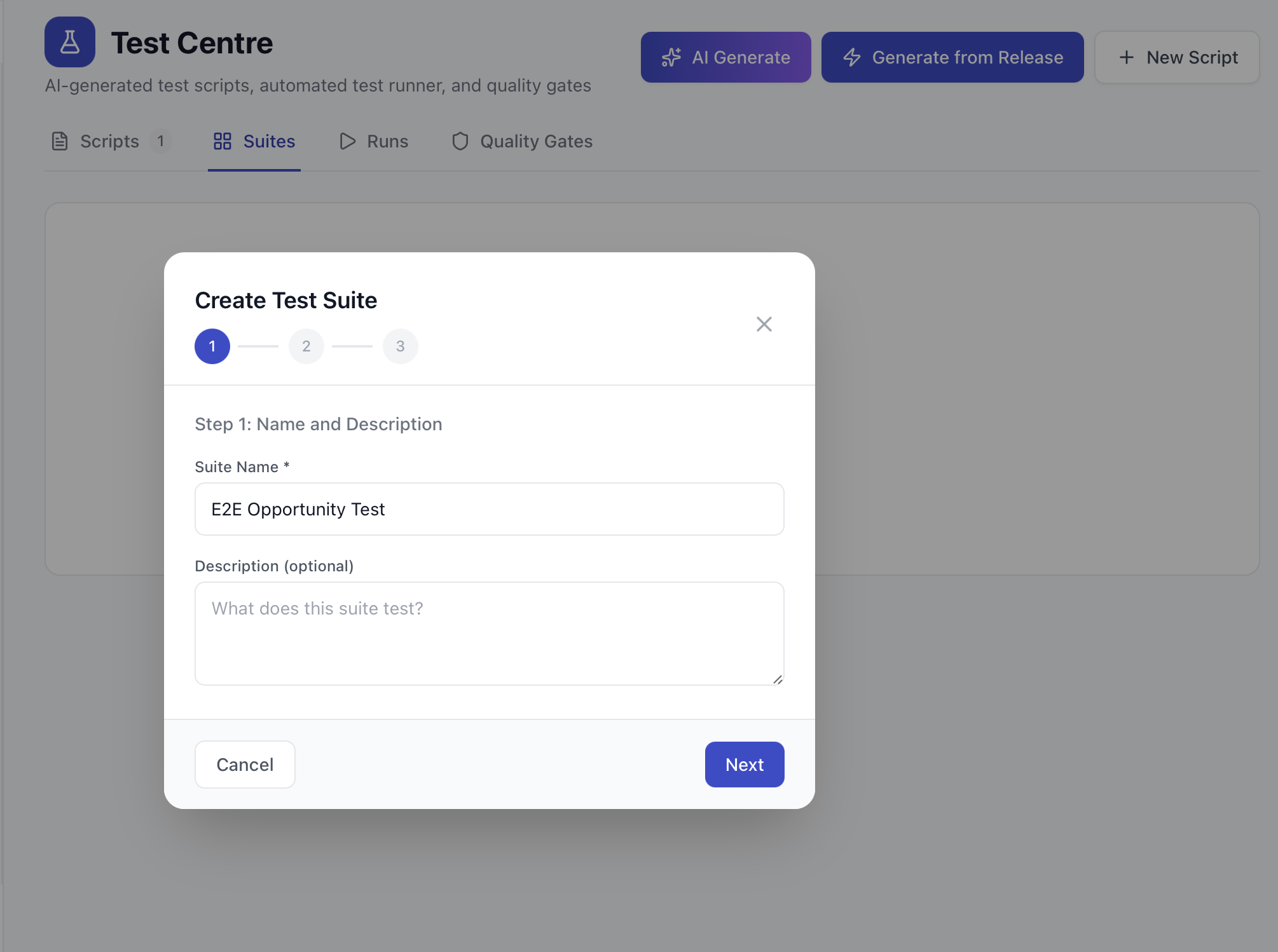
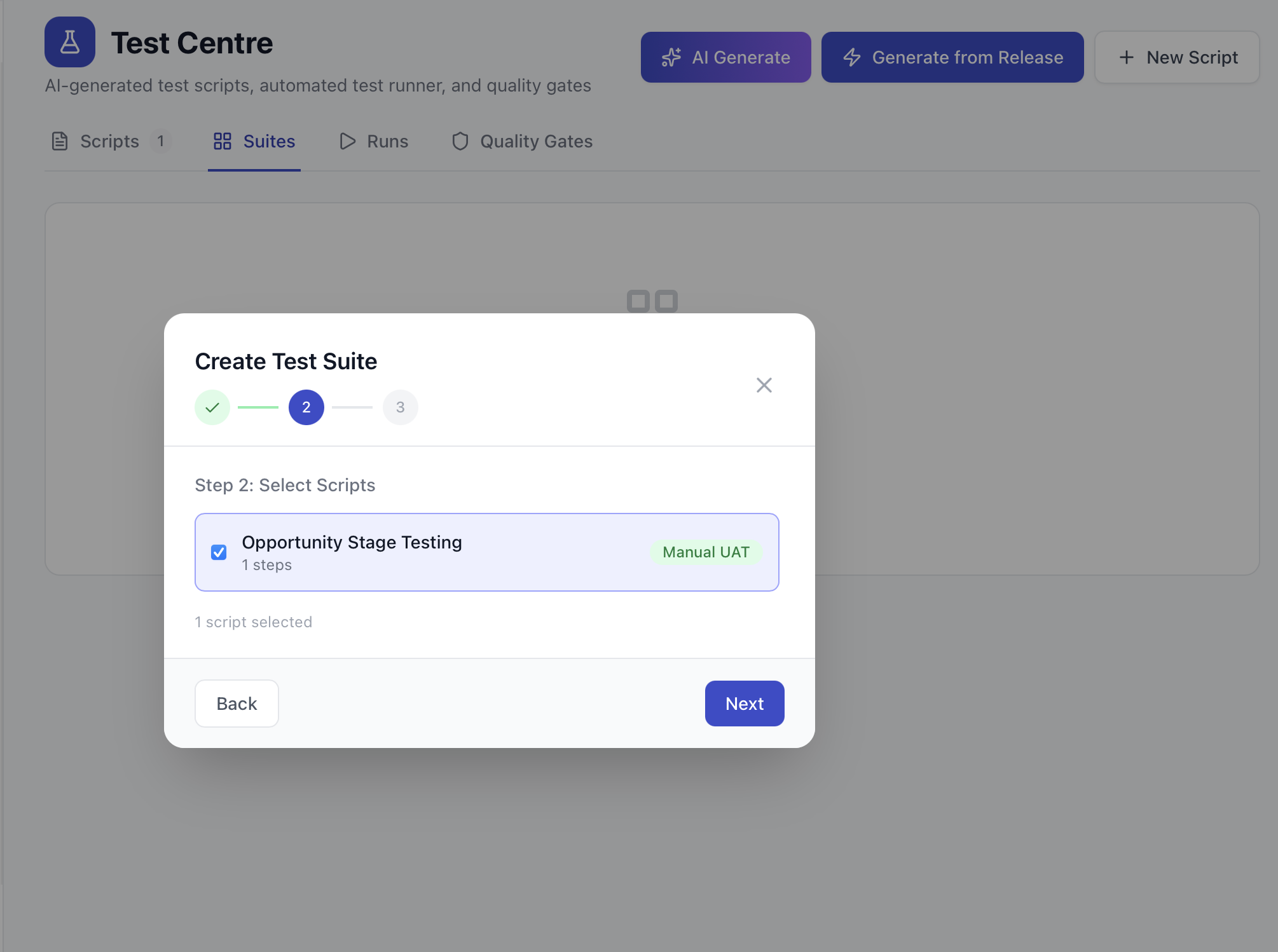
Pocavi test suites can chain scripts across orgs. Create a record in Dev, deploy metadata to UAT, then verify the record behaves correctly in UAT with the new configuration. Context (record IDs, deploy results) passes between scripts automatically.
Quality gates: block bad deploys automatically
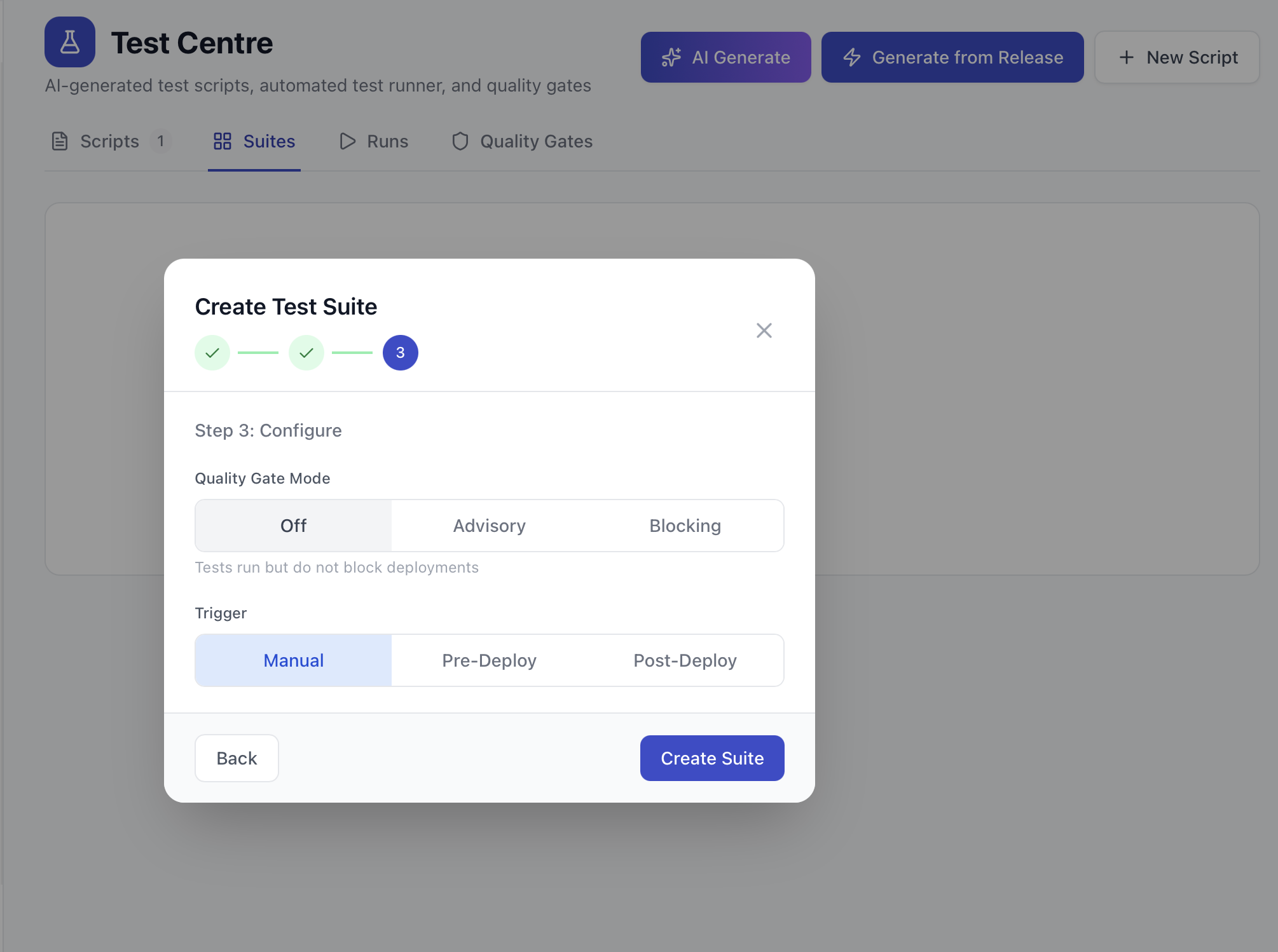
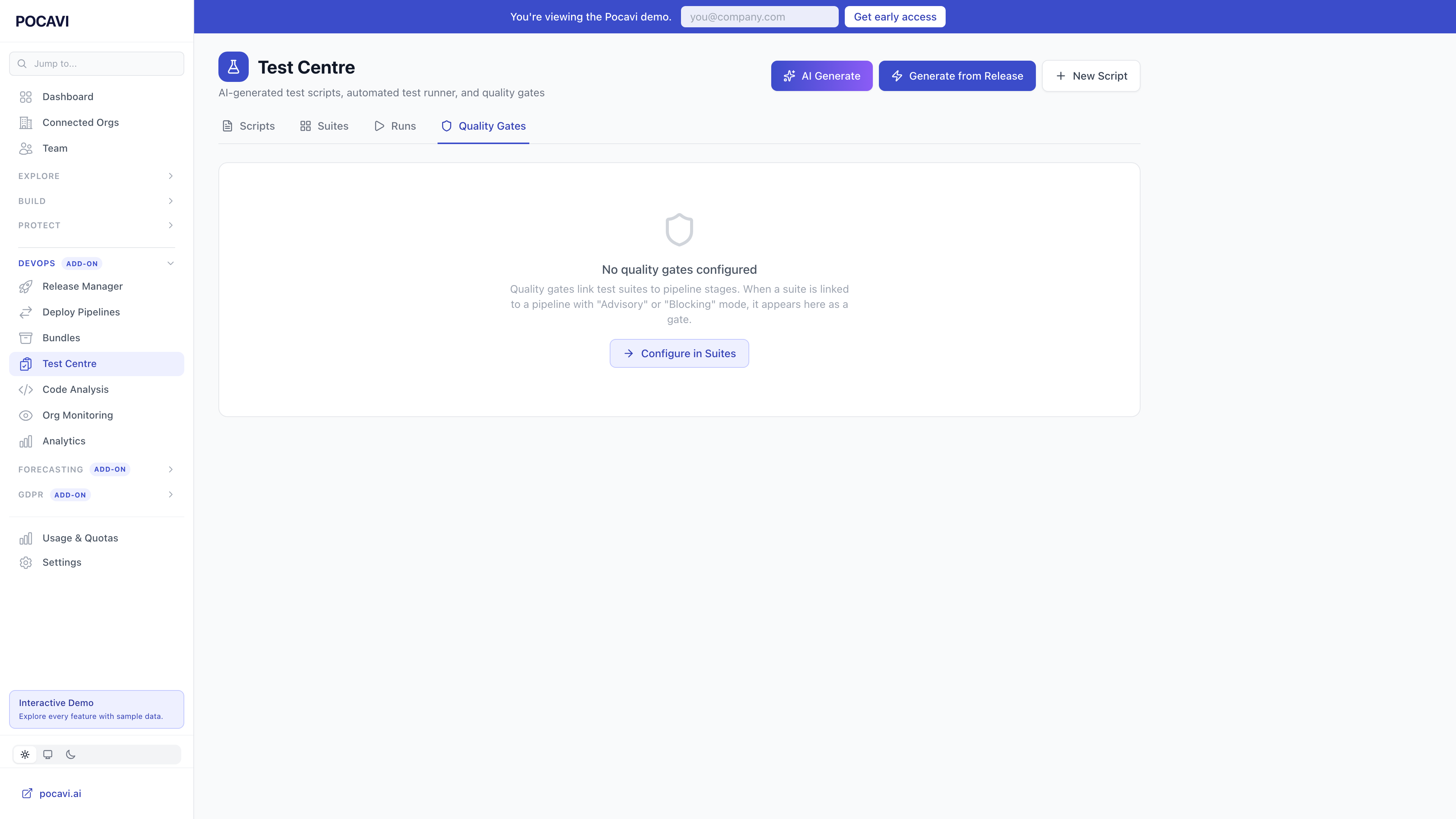
Link test suites to your deployment pipelines. Configure each pipeline stage as advisory (warn but allow) or blocking (stop until tests pass). Managers can override a blocking gate with a reason, which is audit logged.
- Advisory mode: tests run, results shown, but the deploy can proceed regardless. Good for teams adopting testing gradually.
- Blocking mode: the deploy cannot progress past the configured stage until all linked tests pass. No exceptions without an admin override.
- Regression suites: mark a suite as "post-deploy" and it runs automatically after every deployment. Catch issues before users do.
Test run dashboard
Track your testing health over time. Pass rate trends, failure patterns, average test duration, and the most commonly failed step types. See whether your team is actually testing more after each deploy, and whether the tests are catching real issues.
Why nobody else does this
Salesforce testing tools exist, but they focus on Apex code coverage, not configuration testing. They don't know about your validation rules. They don't check if a flow fires correctly. They don't generate test scripts from deploy diffs.
Pocavi's Test Centre is different because it sits inside the same platform that handles your deployments, knows your metadata, and has AI that can read your org's schema and write tests that actually work. The test scripts use real picklist values, real field names, and real validation rule error messages from your org.
Test Centre is part of Pocavi DevOps. AI scenario generation, visual block builder, automated test execution, multi-org chains, and quality gates.